Save videos from almost any website
SaveBhai downloads videos, Shorts, Reels and audio from YouTube, Instagram, TikTok, Facebook, X and 1000+ sites, saves WhatsApp statuses, and plays everything in a built-in player with Picture-in-Picture.
Android 7.0+ Latest release No ads, no trackers
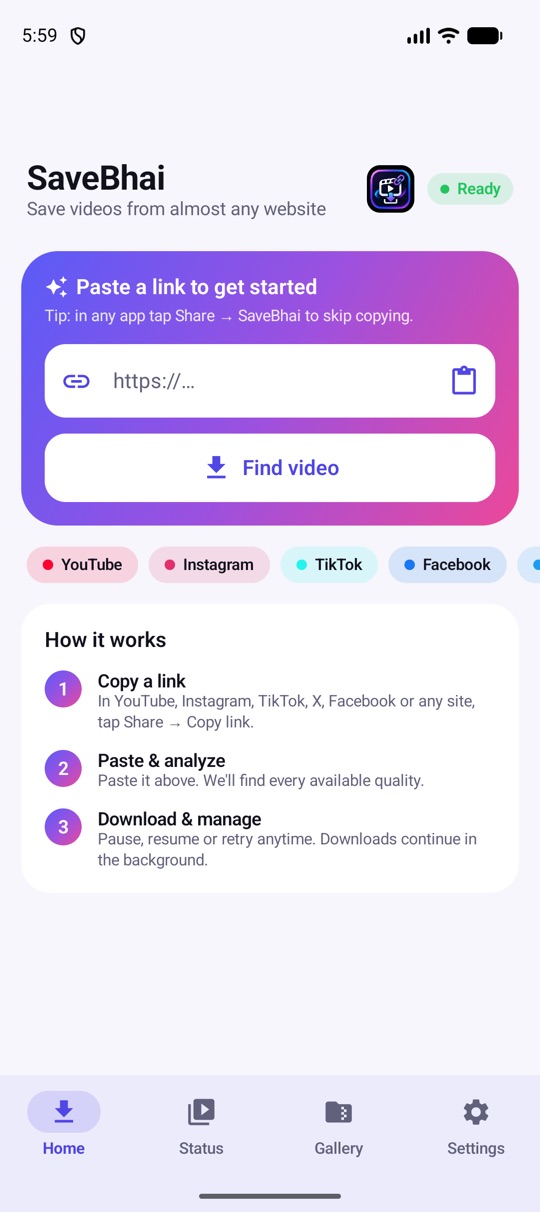
Works with 1000+ sites, including
Everything SaveBhai can do
Every feature in the app, grouped by what you're trying to do.
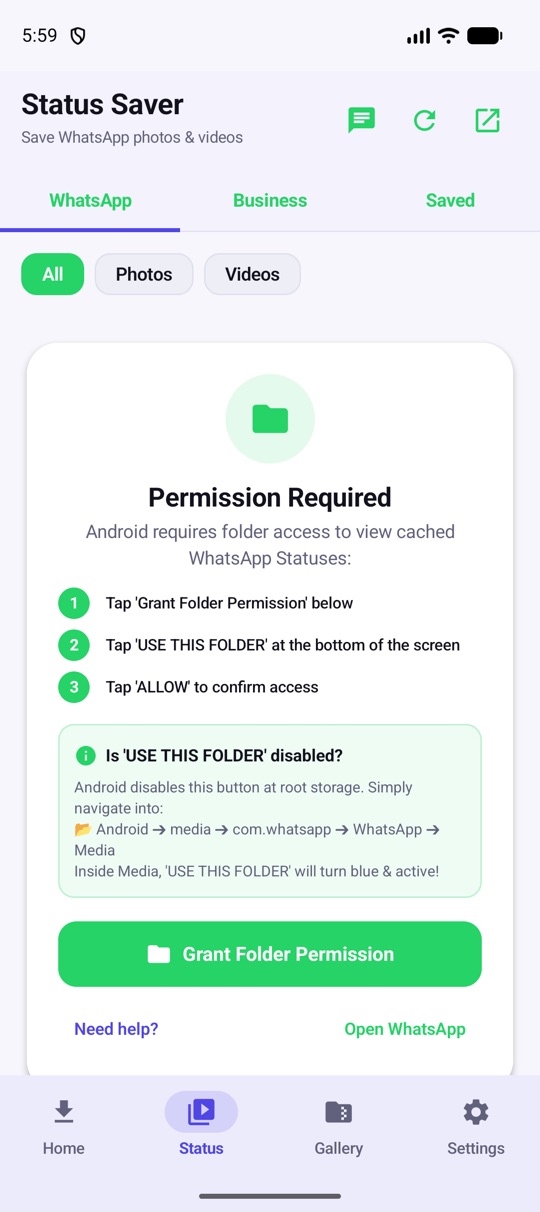
Never lose a status again
Statuses disappear after 24 hours. SaveBhai lets you keep the photos and videos you've already viewed, for both WhatsApp and WhatsApp Business.
- Save one, select many, or Save All (with a confirmation so nothing is saved by accident)
- Repost a status straight back to WhatsApp, or share it anywhere
- Saved tab to browse, multi-select and delete what you kept
- Direct Chat: message any number without saving it to contacts
See it in action
Real screenshots from the app.
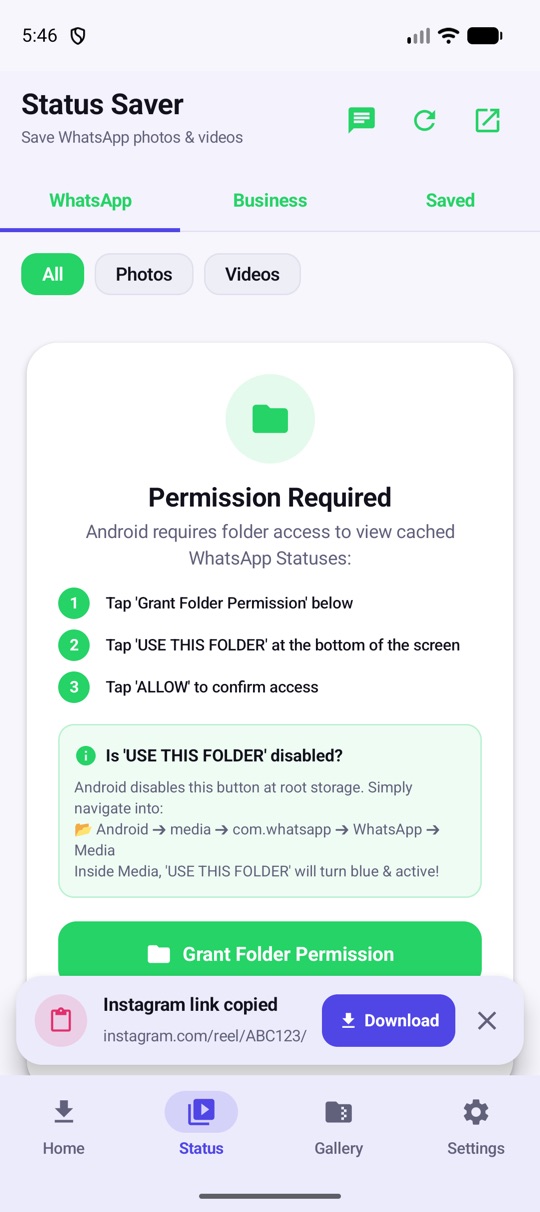

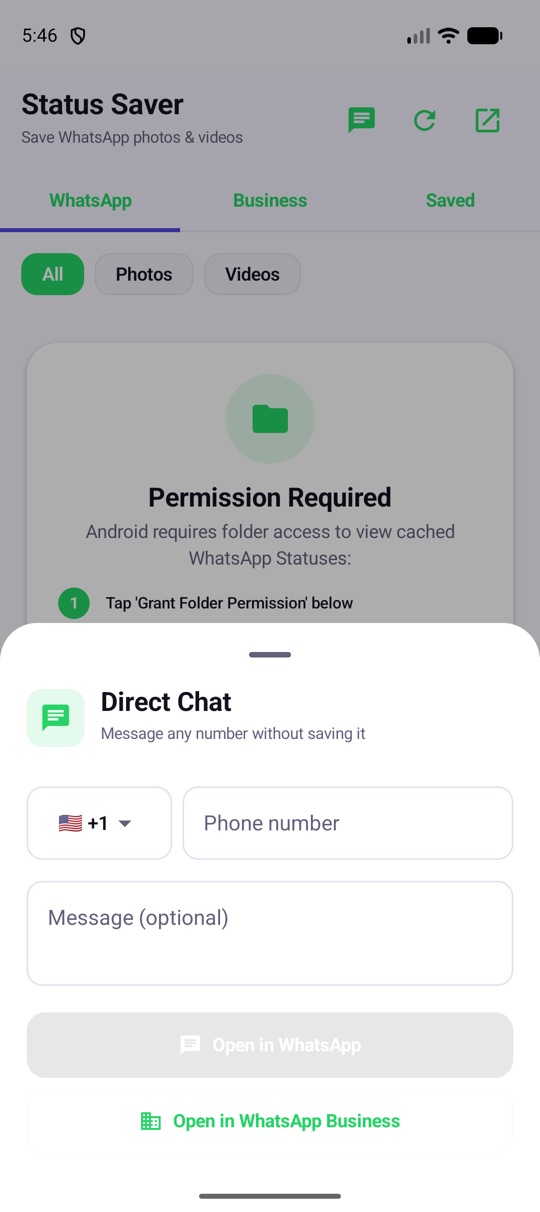
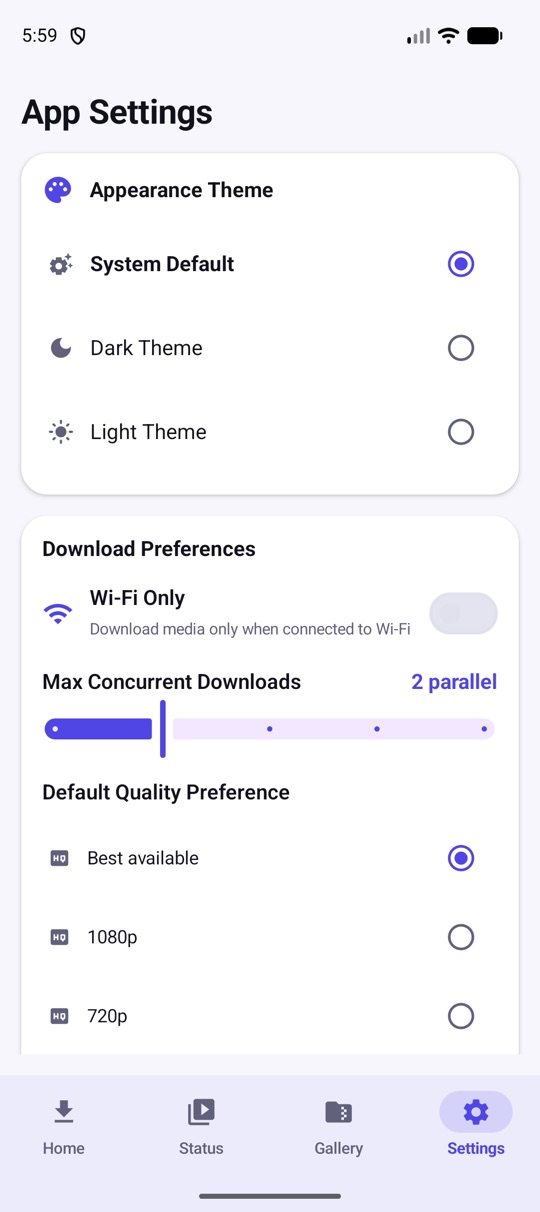
Three taps to save a video
Copy or share a link
In YouTube, Instagram, TikTok or any site, tap Share → Copy link, or Share → SaveBhai to skip copying.
Pick a quality
SaveBhai finds every available format: best, 1080p, 720p, 480p or audio-only MP3.
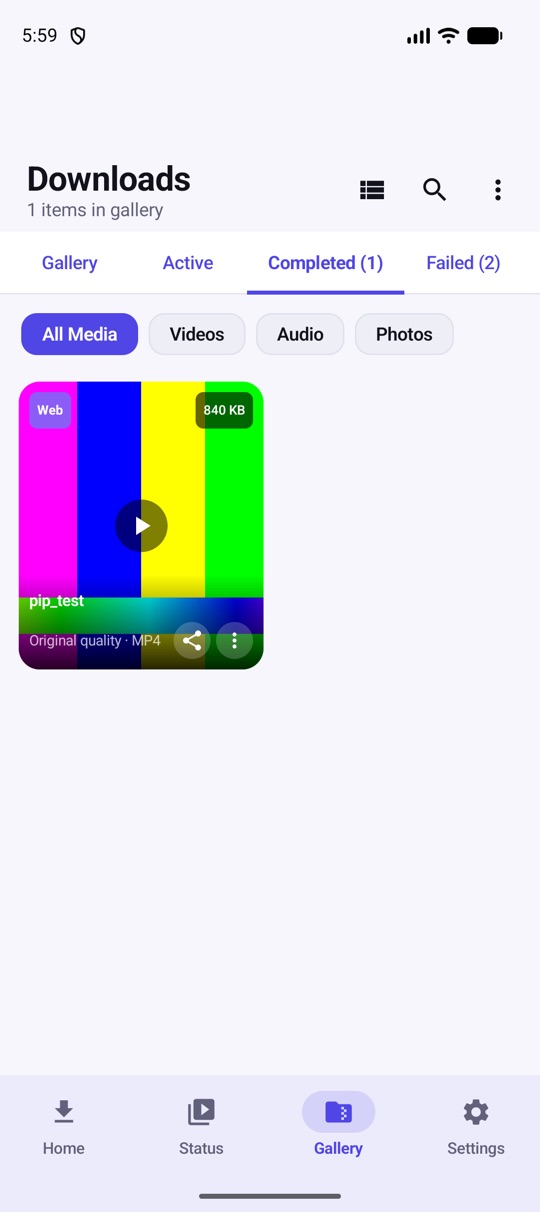
Download & enjoy
It downloads in the background. Watch it in the app, in Picture-in-Picture, or in your phone's gallery.
How to install
SaveBhai is distributed as an APK, outside the Play Store. Installing takes under a minute.
- 1Download the APK
Tap Download APK on this page from your Android phone.
- 2Open the file
Open it from your notifications or the Downloads folder.
- 3Allow "Install unknown apps"
If asked, tap Settings and allow your browser to install apps, then go back.
- 4Tap Install
Open SaveBhai and allow notifications so you can see download progress.
To update, download the newer APK and install it over the old one. Your downloads are kept.
Requirements
- Android version
- 7.0 (Nougat) or newer
- Processor
- arm64-v8a, armeabi-v7a, x86_64
- Internet
- Wi-Fi or mobile data
- Account
- Not needed
- Price
- Free
Permissions & why
- Notifications – download progress and pause / cancel / retry buttons
- Photos, videos & audio – show files you downloaded before a reinstall
- Folder access (you choose) – read WhatsApp statuses, only if you use Status Saver
- Internet – find and download videos
Questions

Ready to save your first video?
Free, no account, and it works with the apps you already use.
Download SaveBhai