Spring Boot JPA Admin
Everything an admin console needs, out of the box
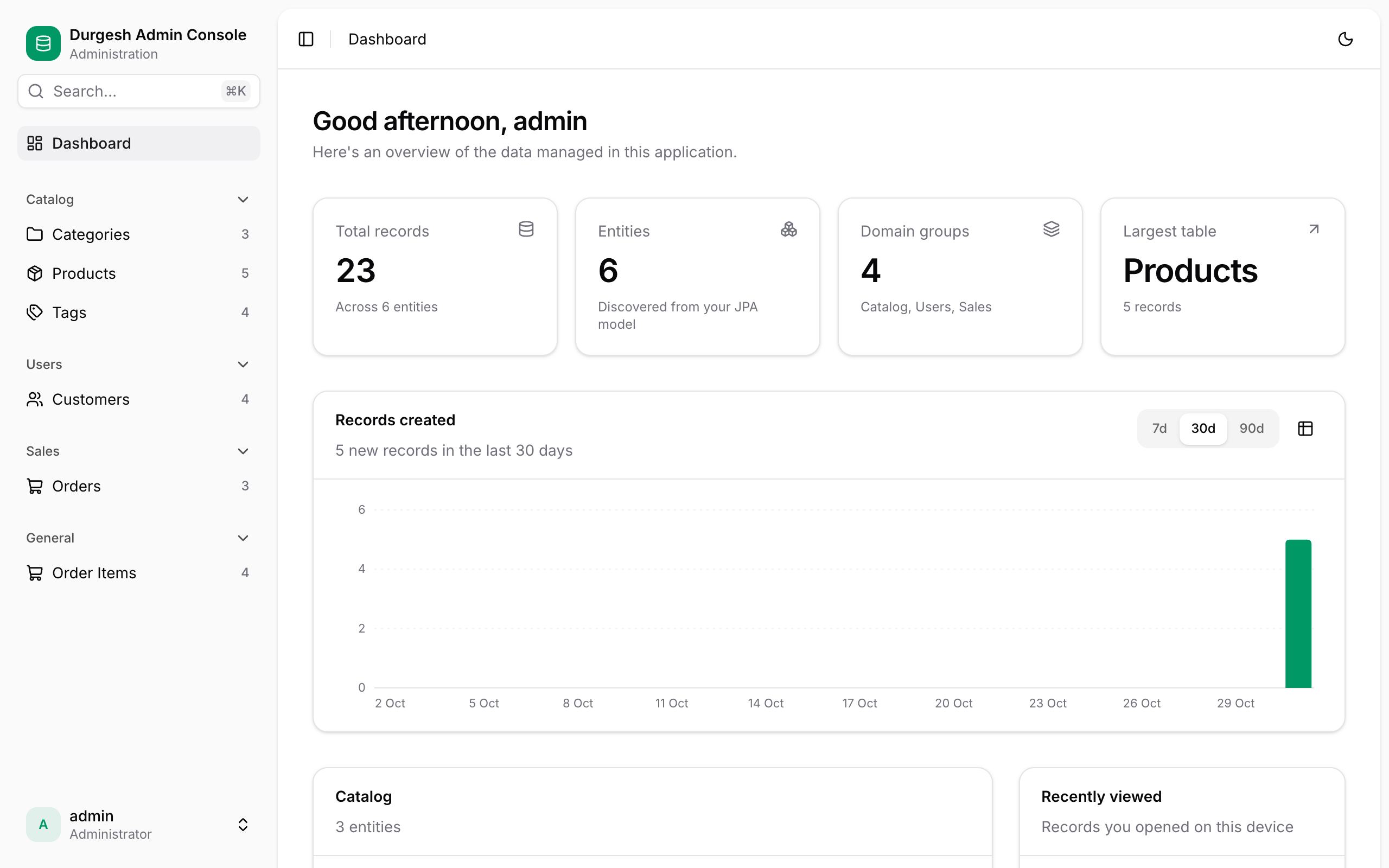
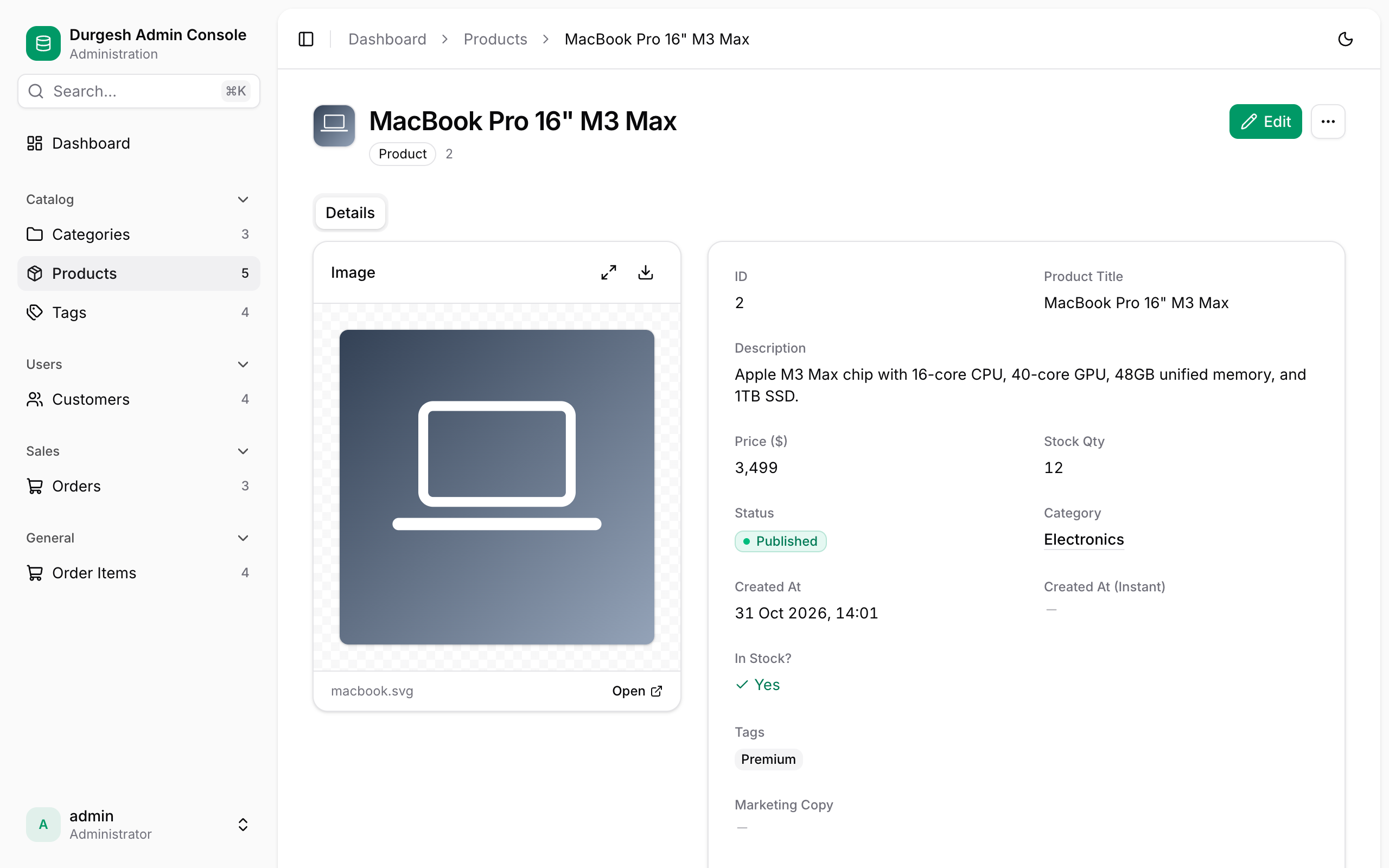
Your JPA entities become a full console at startup. Annotations fine-tune it when you want more control, and everything else just works.
-
Tables that scale
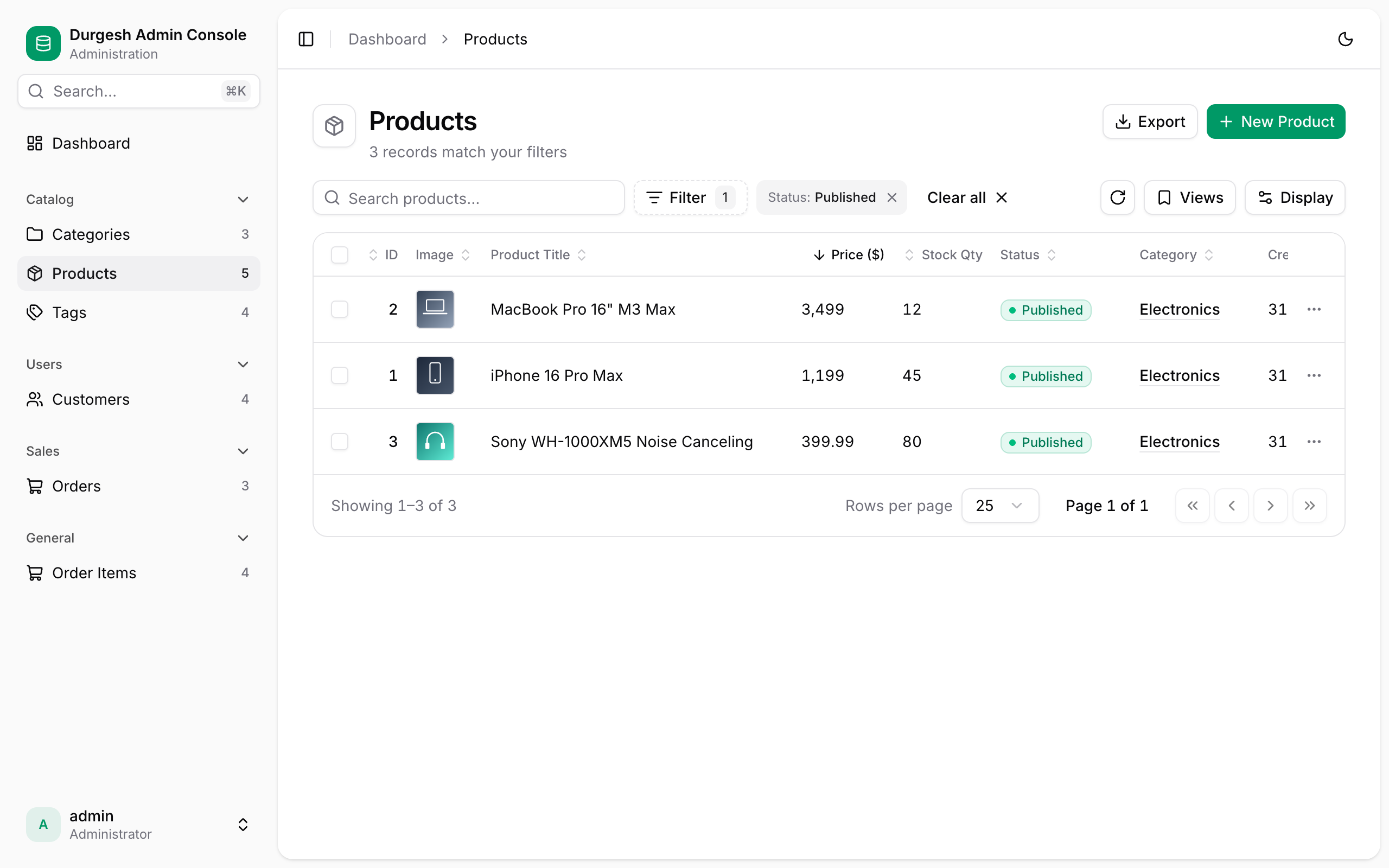
Server-side search, sorting and pagination, sticky columns, column and density options, and CSV export. Every view is a shareable URL.
-
Filters & saved views
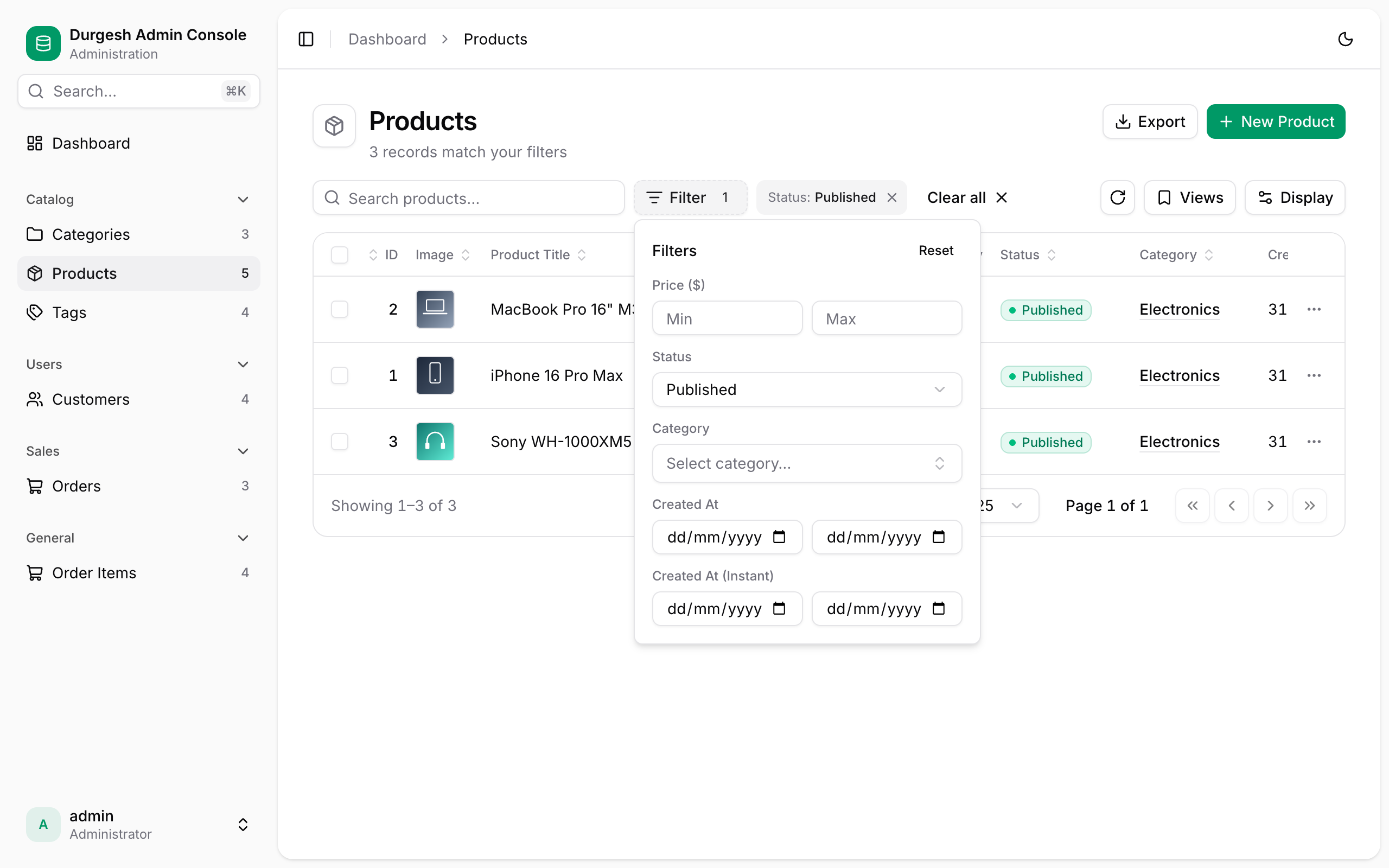
Relation pickers, number and date ranges, enum and boolean filters, removable chips, and named views you can return to in one click.
-
Edit anywhere
Full forms with inline validation, edit-in-place cells, duplicate, bulk actions, and an unsaved-changes guard.
-
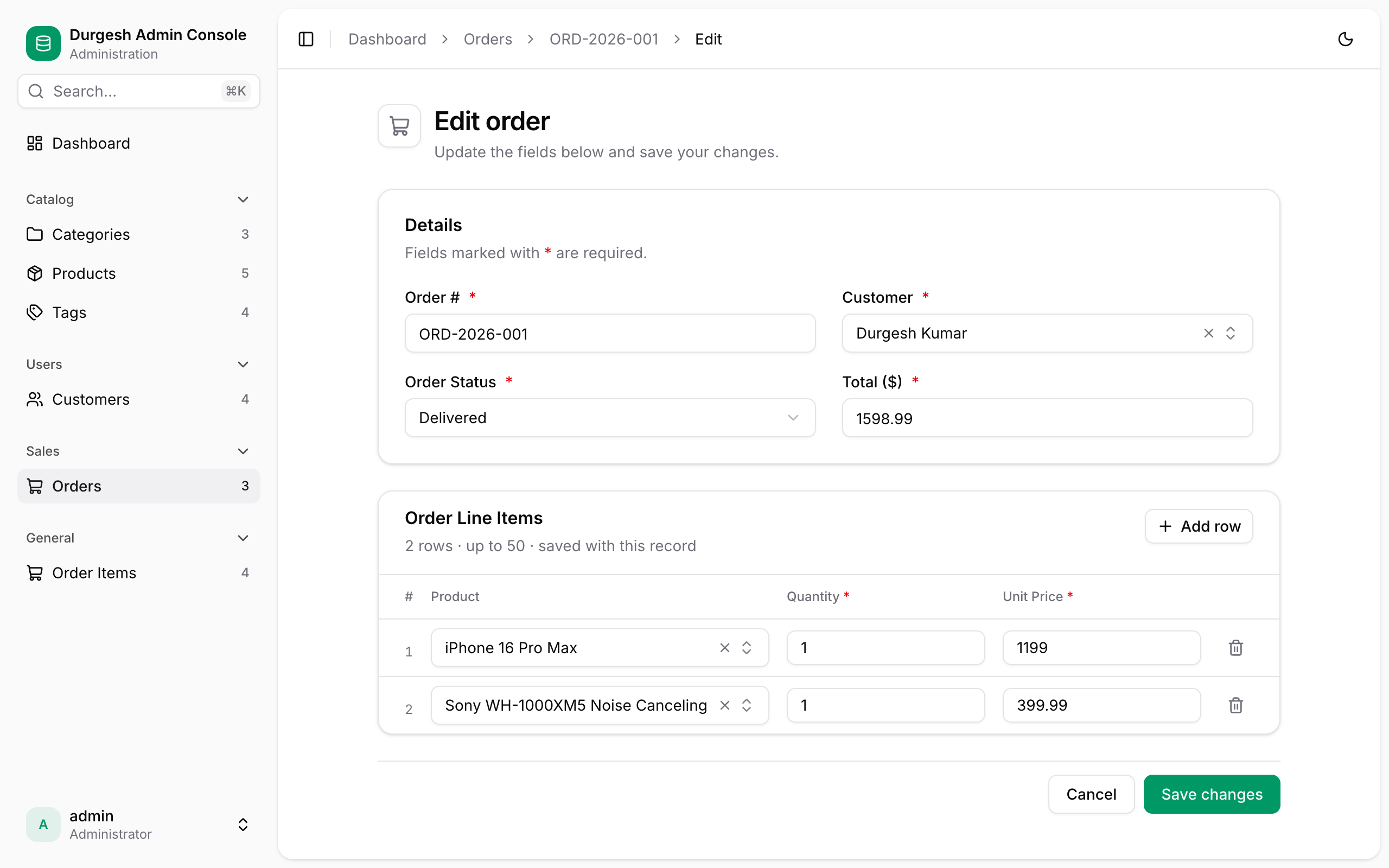
Real relationships
Searchable many-to-one pickers, many-to-many multi-selects, and one-to-many child rows edited and saved with their parent.
-
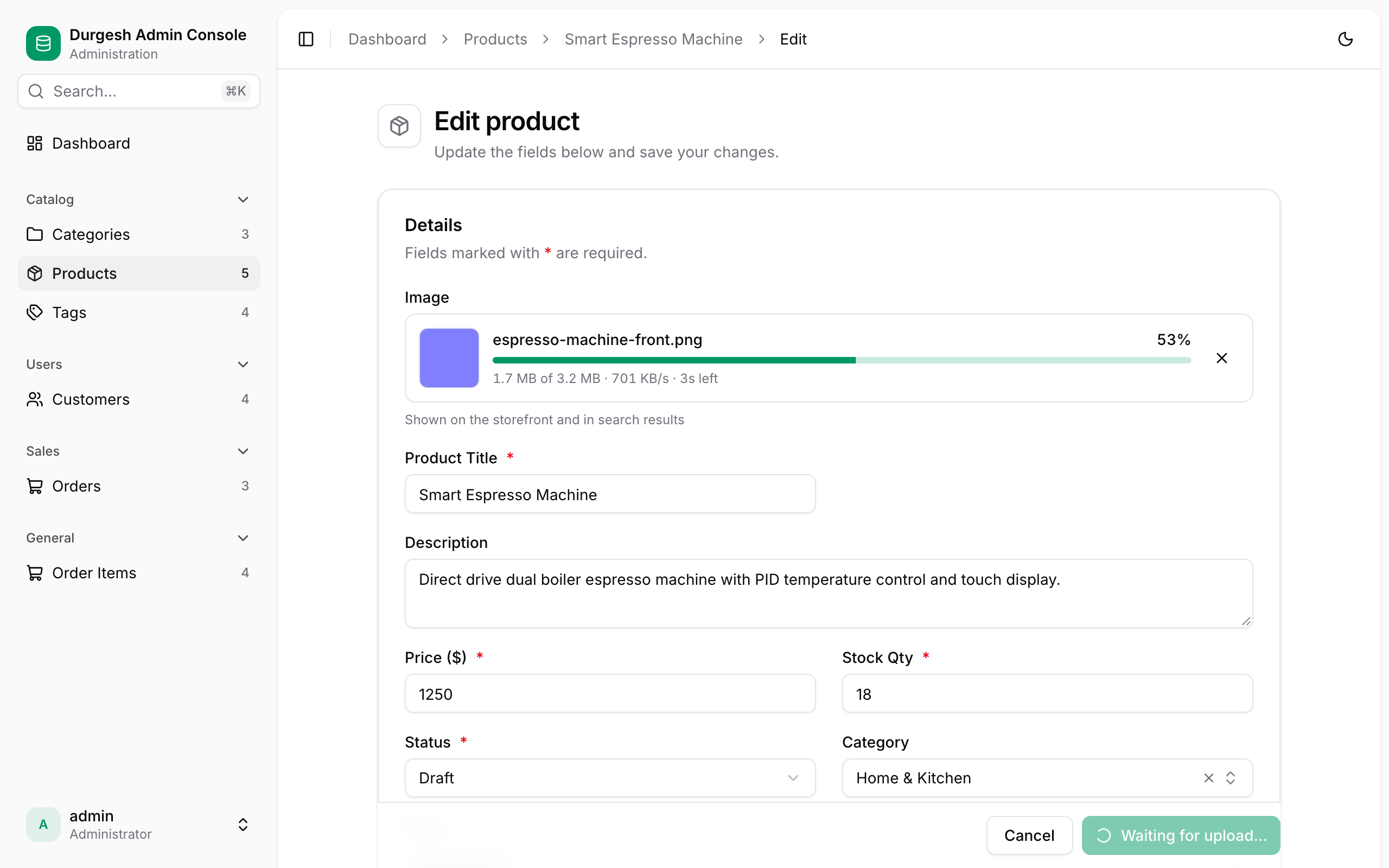
File & image uploads
Drag and drop with live progress straight to Amazon S3, ImageKit or a local folder. Every file is verified by its content.
-
Secure by default
Session login with CSRF protection, server-side validation with field-level errors, signed upload tickets, and sanitized rich text.
-
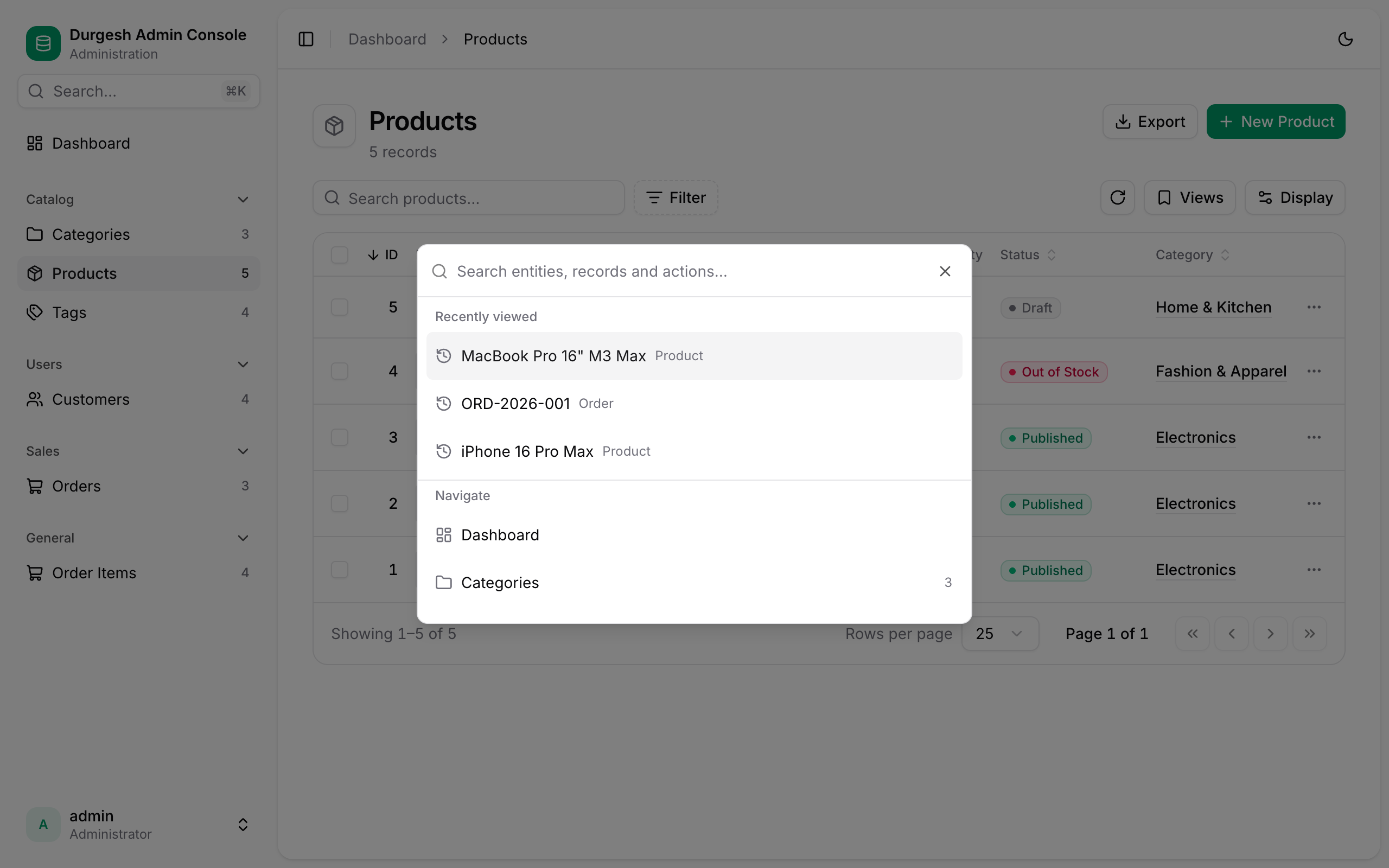
Keyboard-first
A Cmd+K command palette plus shortcuts to search, create, move between rows and edit, without touching the mouse.
-
Your brand
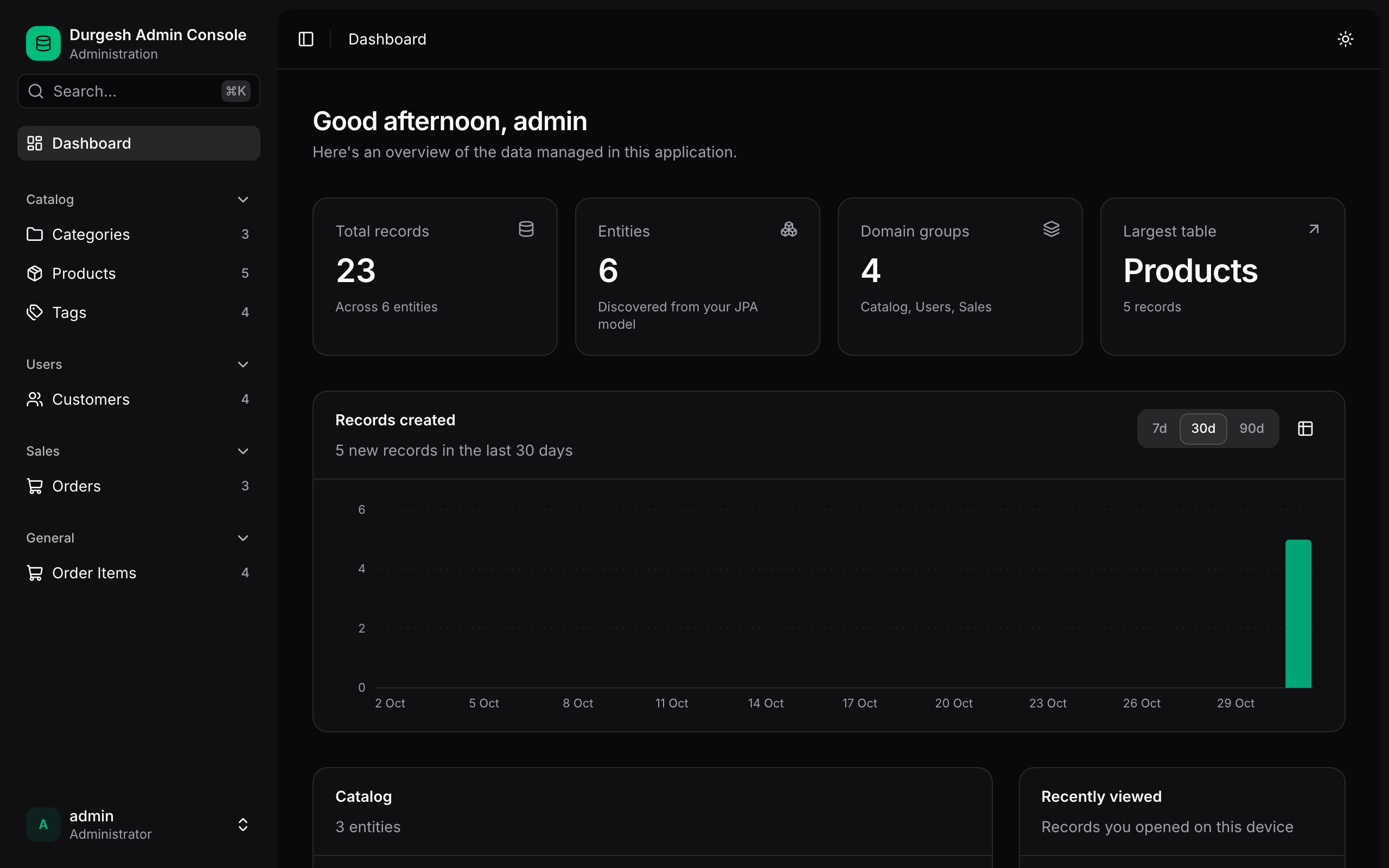
Your title, logo and accent color, a custom URL path, and light, dark and system themes. No frontend build required.
See it in action
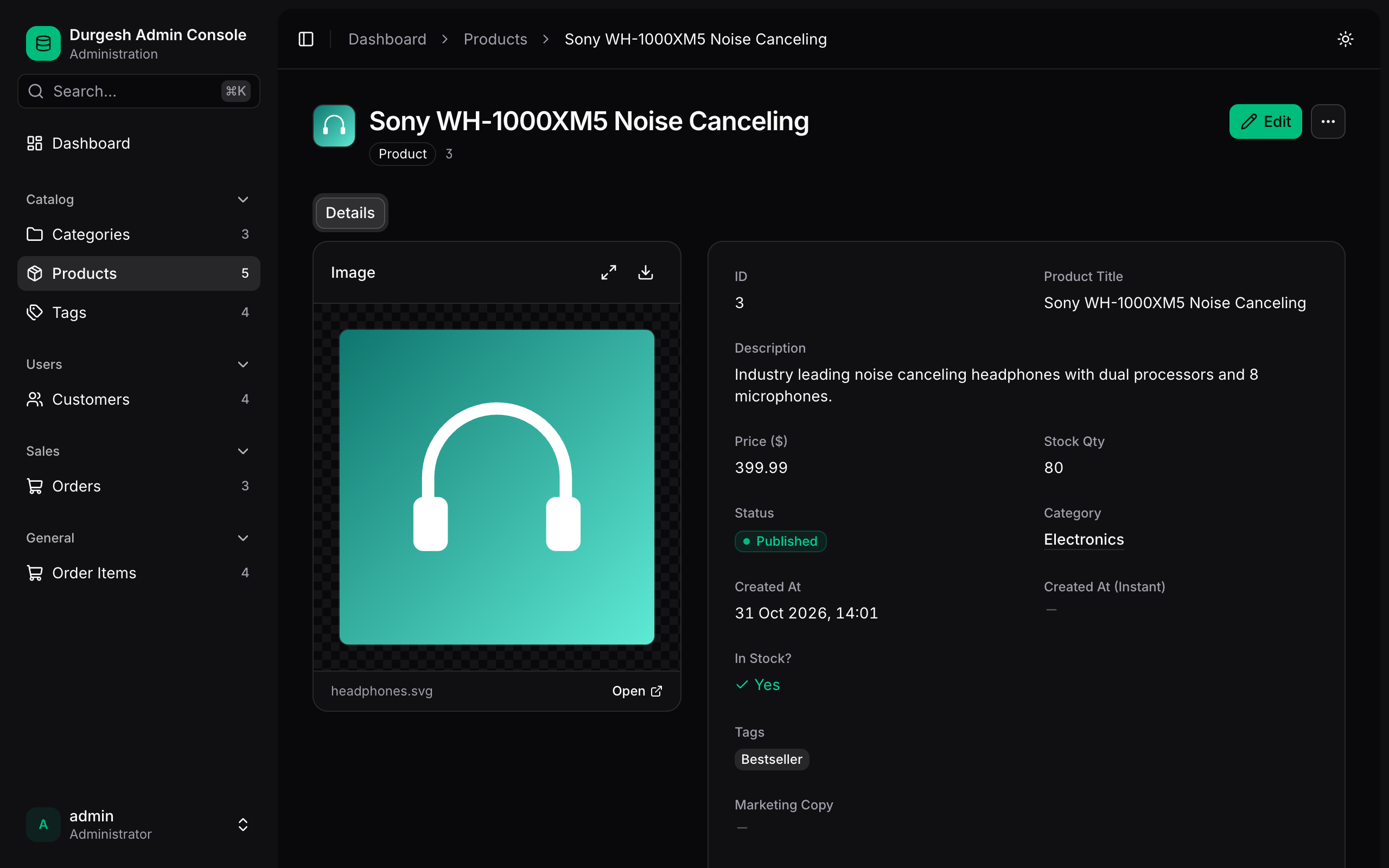
Up and running in three steps
Add the starter
Add the starter dependency from Maven Central. See Installation for Maven, Gradle and local builds.
repositories { mavenCentral() }
dependencies { implementation("com.substringtechnologies:jpa-admin-spring-boot-starter:0.1.0") }
Set an admin password
Open the console
Start your application and open http://localhost:8080/admin/. Every JPA entity is already there.
Make it yours
Rename labels, group entities, color statuses, add actions and uploads, all with annotations on the entities you already have.